
This guide walks you through Taka from signup to finished content. By the end, you'll have created a real Instagram post, email, or whatever your business needs - styled to your brand and ready to use.
Step 1: Sign Up
Go to taka.ai and sign up with your email.
Step 2: Let Taka Learn Your Brand
This is the fun part. Taka asks for your website URL or Instagram handle, and then goes to work. It visits your site, reads your content, looks at your social profiles, and figures out your brand on its own - your name, industry, colors, logo, tone of voice, target audience. All of it.
You just sit back and watch it happen. After a few seconds, Taka shows you what it found and lets you review everything. If something's off, you tweak it. If it nailed it, you move on. Most people are surprised by how much it picks up.
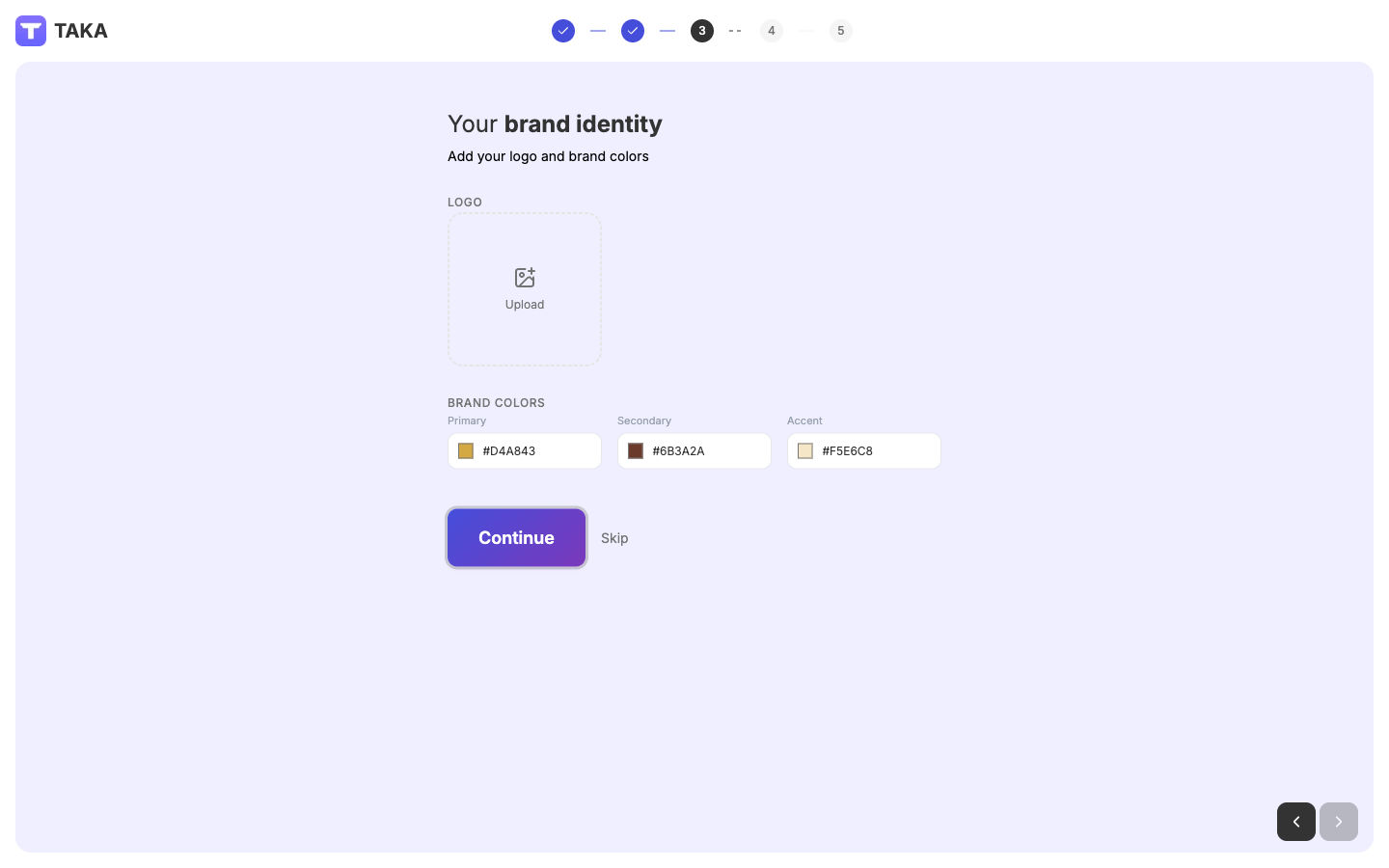
It also suggests goals for your content (like "increase sales" or "grow followers") and recommends a tone of voice that matches your brand. You pick the ones that fit, and you're done. The whole thing takes about a minute.
No website? No problem. You can skip the auto-discovery and fill things in yourself. But if you do have a site or Instagram, it's worth giving Taka the URL - it saves a lot of setup.
Step 3: Create Your First Content
Once your brand is set up, you land on the home dashboard. You'll see content types you can create and a chat input at the bottom.
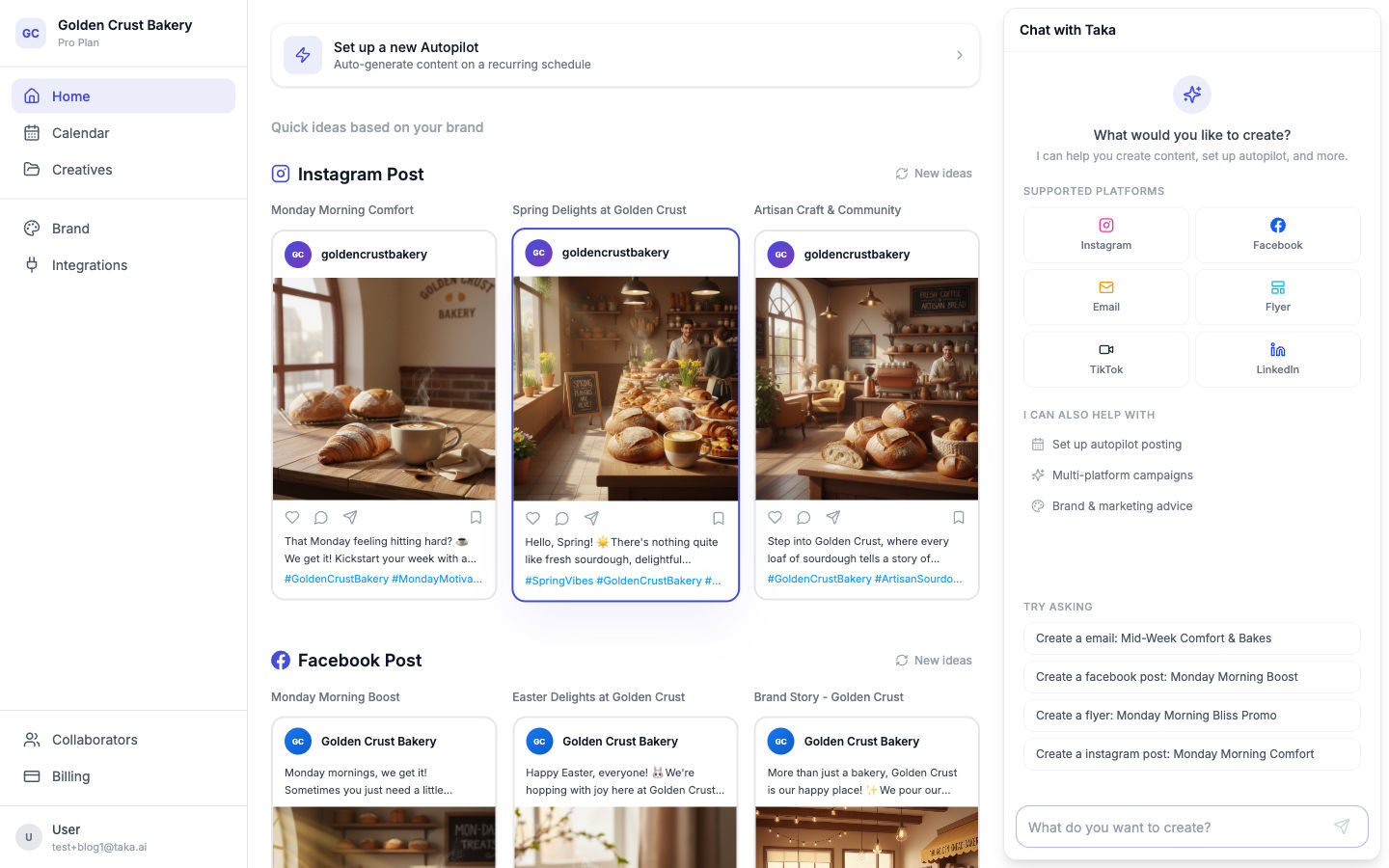
To create something, just type what you need into the chat - the same way you'd explain it to a coworker.
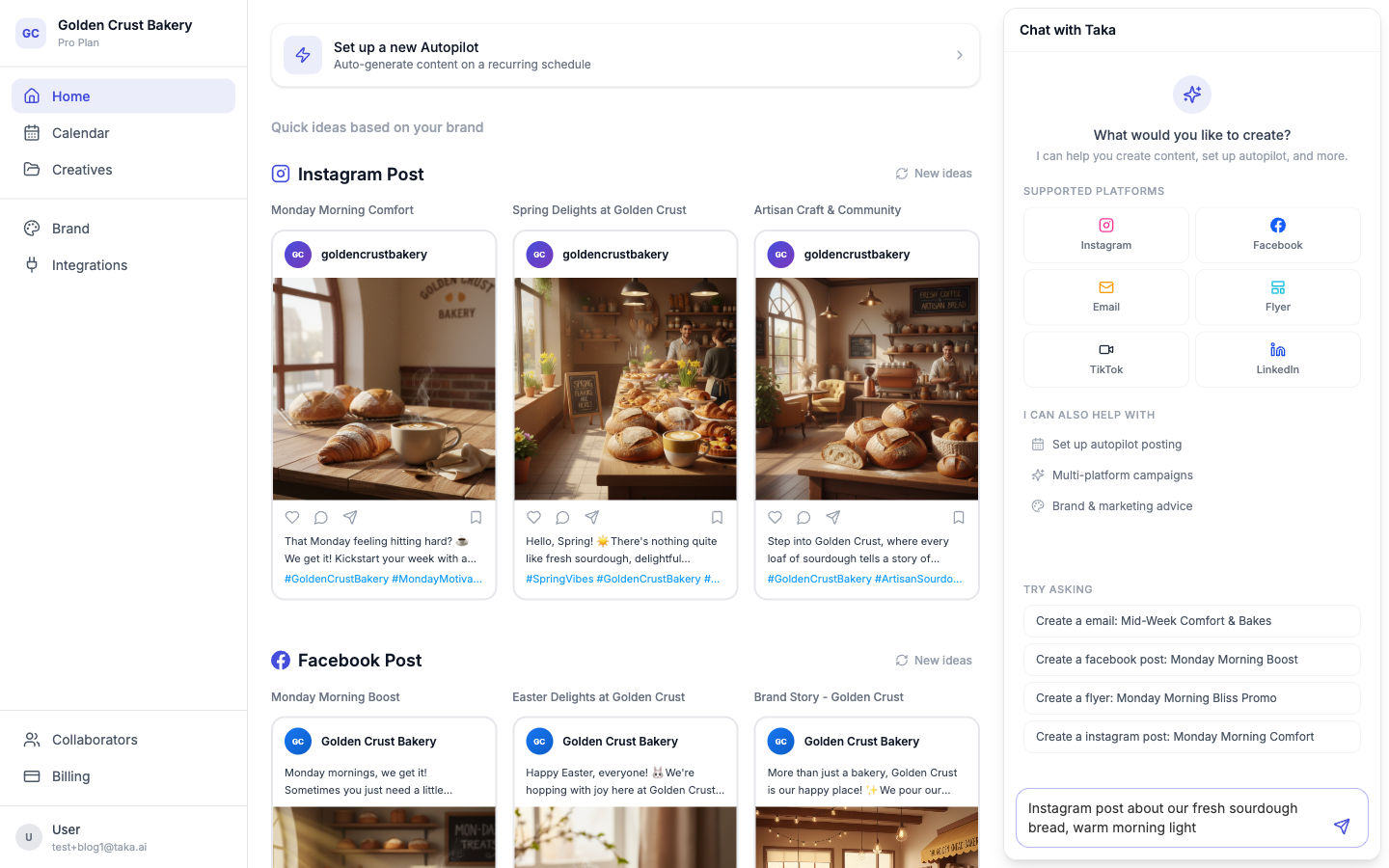
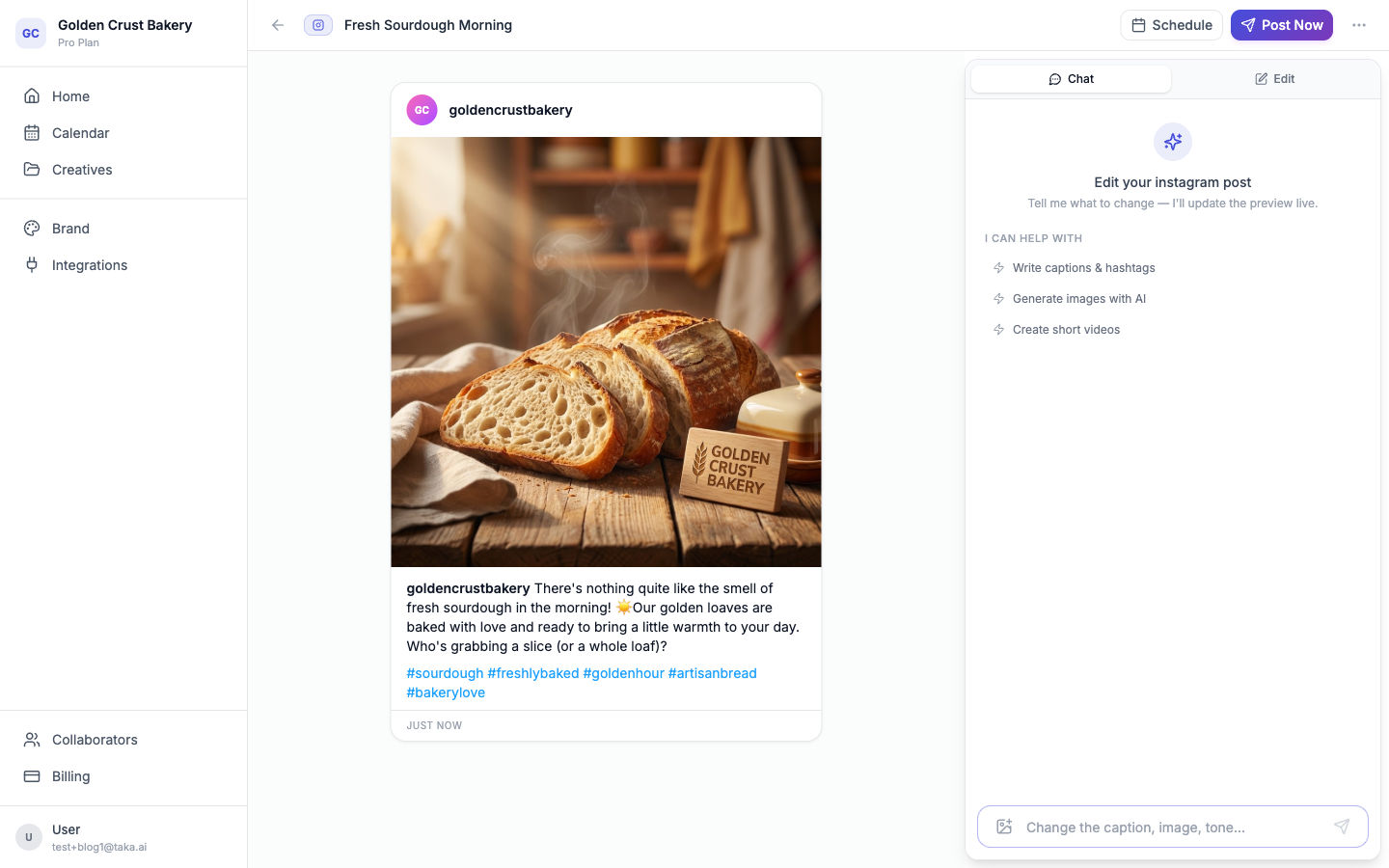
Hit send, and Taka builds your content in real time. Here's what an Instagram post looks like when it's generated:
Step 4: Refine It
Most of the time the first result is usable. But if you want to tweak something, just tell Taka in the chat. For example: "make the caption shorter," "use a warmer color palette," or "change the image to something with food."
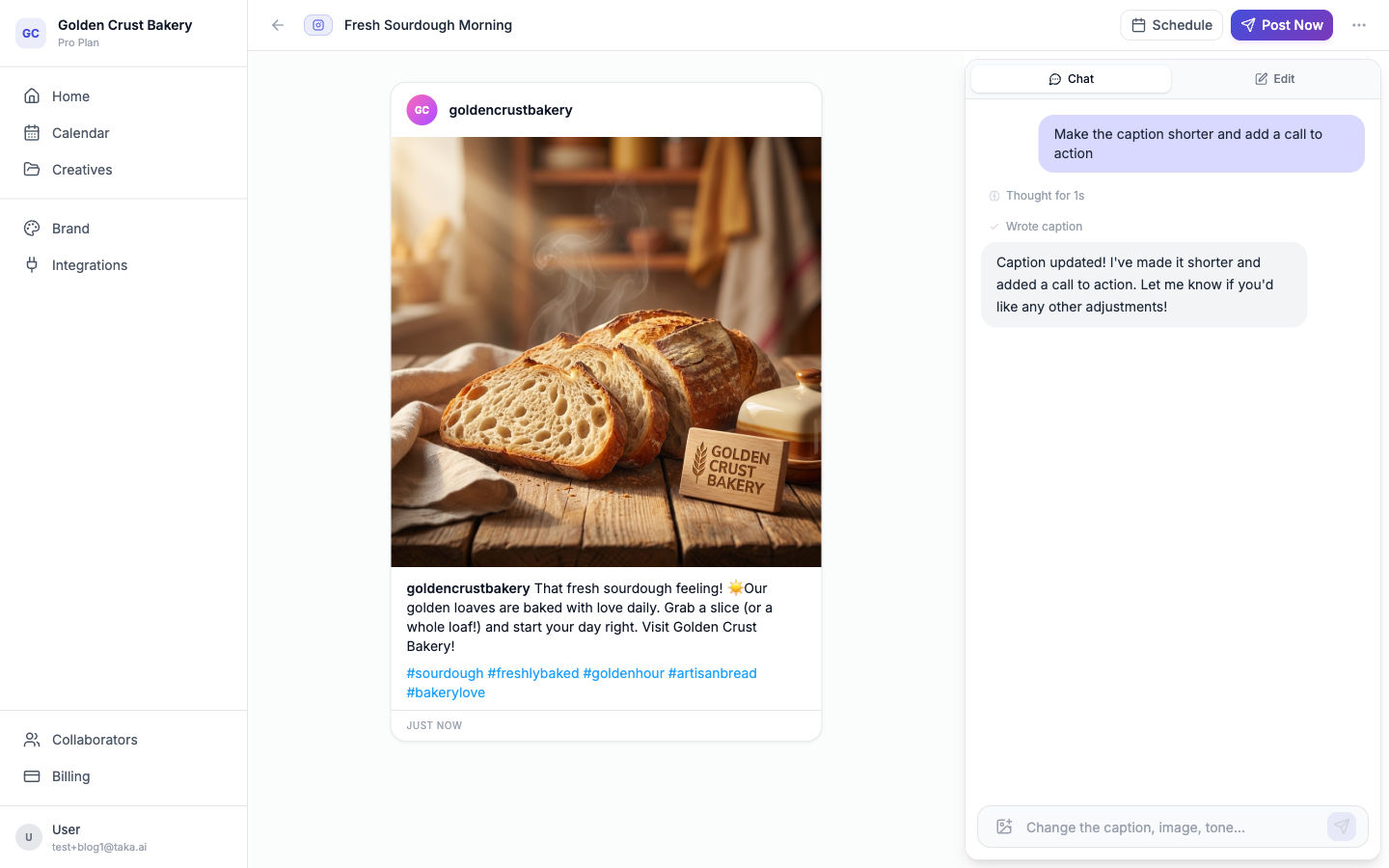
You can also click on any field - headline, body text, image — and edit it directly. Iterate as much as you want.
Step 5: Export and Use It
When you're happy with the result, export it. Depending on the content type:
- Download the image for Instagram, LinkedIn, or Facebook
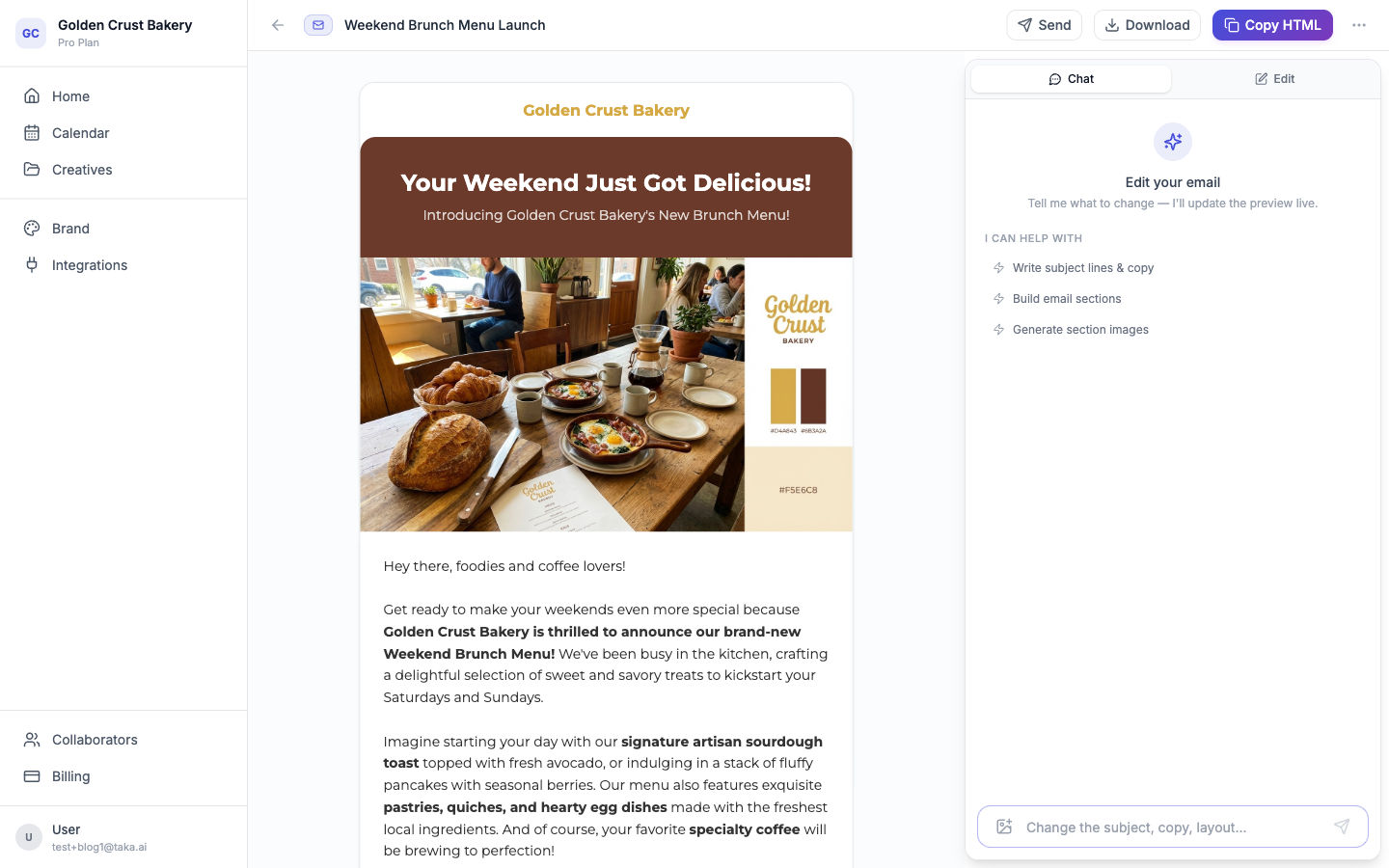
- Copy the email HTML to send through your email tool
- Download a flyer as PDF or image
- Copy video captions and hashtags for TikTok
Here's an example of a finished marketing email:
Tips
- Be specific. "Instagram post announcing our new sourdough loaf with a rustic, warm vibe" works better than "Instagram post about our bakery."
- Refine, don't redo. Tell Taka what to adjust. Each version gets closer to what you want.
- Try different content types. If you came for Instagram, try email or LinkedIn too. Taka handles them all from the same dashboard.
Sign up, set up your brand, type what you need, and export the result. That's the whole workflow. Try it at taka.ai.