The post is the editor. You own every pixel.
Taka generates the post, then hands you the canvas. Select a layer, drag it, retype it, swap the photo, or just ask chat for the change. Your edits survive the AI.
Select a text layer on a generated post, move it, retype it. There is no edit mode to enter and no Apply button to find. Everything autosaves as you work, and the save is flushed before any AI action so the model always sees the post you are actually looking at.
Every element is a layer
Text, images, shapes, accent marks, your logo. Click one to select it, drag it where it belongs, reorder the stack, hide a layer, or lock one so it stays put while you work on the rest.
Text and type
Font, size, weight, alignment, color, and a caps toggle. Underline a phrase or drop a highlight bar behind it in your brand accent, right on the canvas.
Images
Replace the photo without regenerating the post, reposition it inside its frame, and set the corner radius. A photo you picked stays picked, even through a later AI revision.
Your logo, your call
Drag it to move it, resize it from the corner handles, or hide it entirely. It is your post, not a template with a badge on it.
Undo that behaves
A whole drag gesture is one undo step, not forty. Undo and redo walk back through what you actually did, not through every pixel on the way.
Versions you can look at first
Step back through saved versions and preview them on the canvas without committing. Nothing replaces your work until you hit restore.
Chat sits beside the canvas, not on top of it. Describe the change in plain words and watch it land on the post you are looking at.
It edits around your work. When Taka revises a post you already touched by hand, it merges the new copy into your layout instead of flattening it, and it tells you so: Kept your layout edits.
It reports what happened. A revision that changed nothing says nothing changed. The chat narrates the result, never the intention.
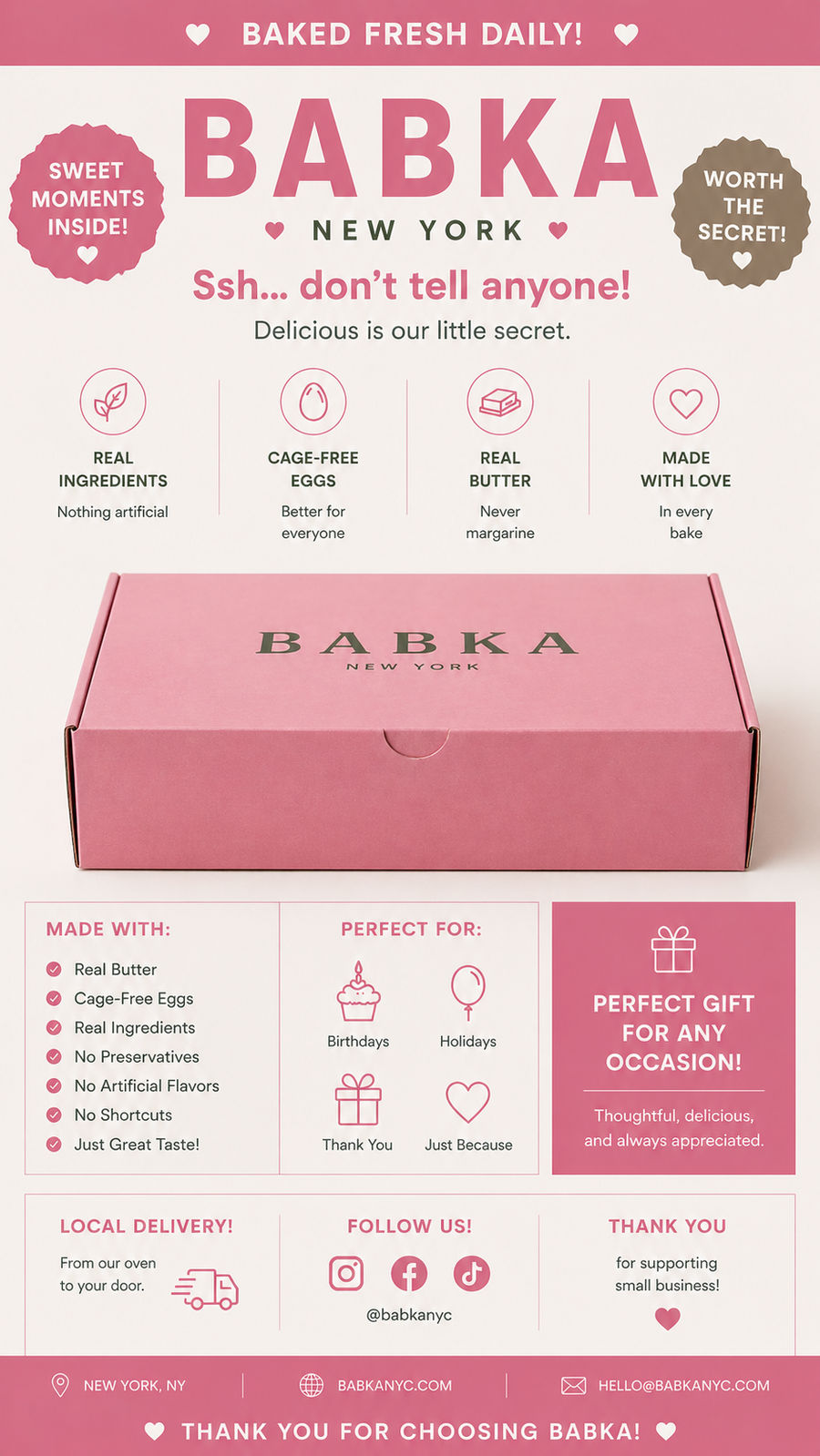
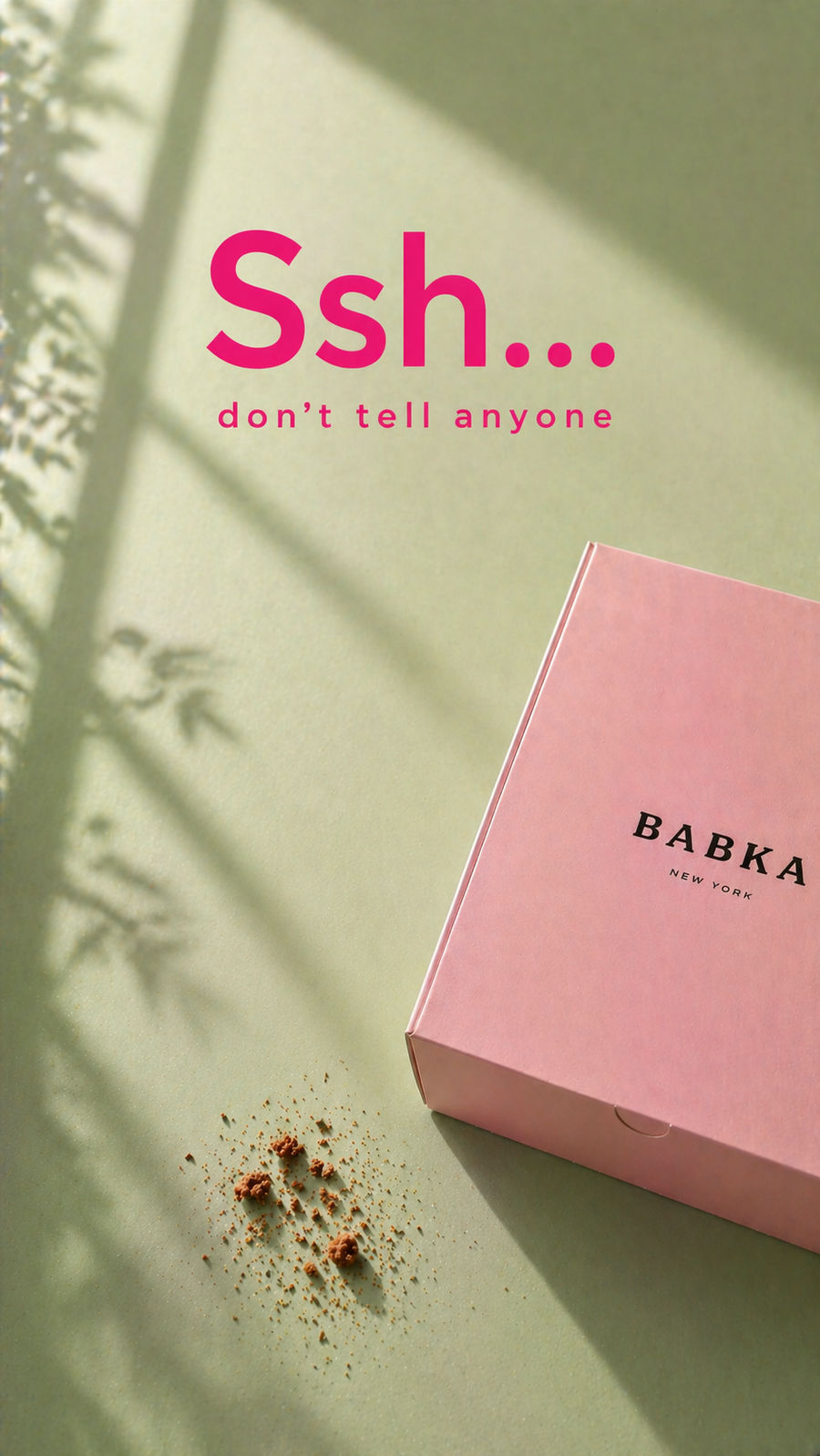
A filmstrip under the canvas
Add a slide, duplicate the one that worked, drag them into a better order, delete the one that is not pulling its weight. Every slide opens as the same editable canvas.
A timeline of beats
Duplicate a beat, delete a beat, and watch the result play in the browser before anything renders. The edit and the preview are the same screen.
A tab per platform
One post carries a variant for each platform, all on the same canvas. Switch tabs, keep working.
Edit the primary, the rest re-derive
Change the main version and the other platforms follow, so you are not rewriting the same idea five times.
Customize one, it pins
Rewrite the text for a specific platform and that variant pins itself. Your LinkedIn wording stops changing behind your back.
Published stays published
Once a post is live it goes view-only, everywhere. Nothing re-derives into it and nothing rewrites it, so what your audience saw is what stays on the record.
Generate it. Then make it yours.
Open a post, grab a layer, ask for a change. The studio keeps up with both hands.