Taka blog. For builders who ship.
Tips, guides, and walkthroughs on creating professional content for your business with AI. Practical, opinionated, no fluff.
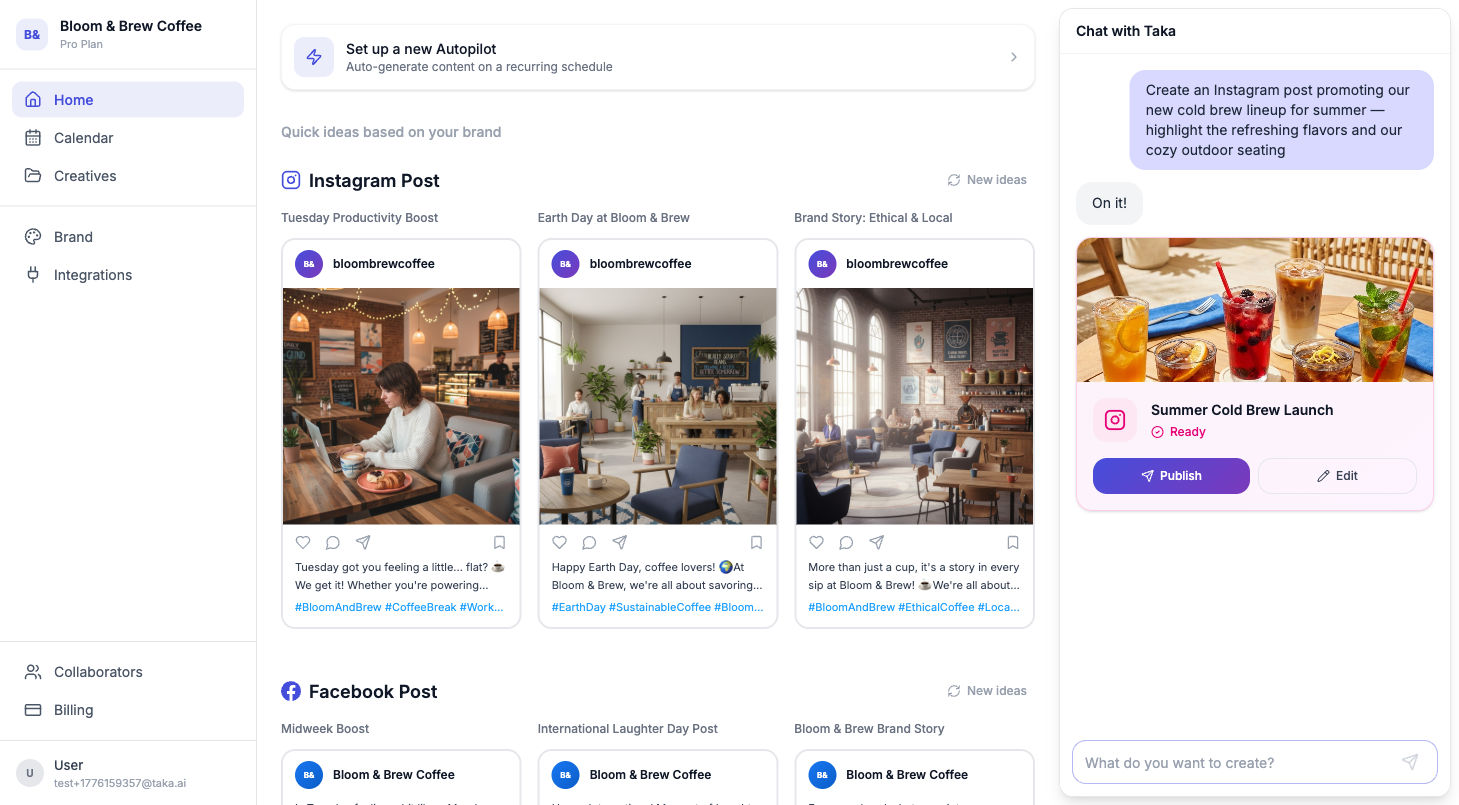
Social Media Scheduler for Small Business: A Practical Guide
How small business owners can plan, batch, and schedule social content without burning time every day.
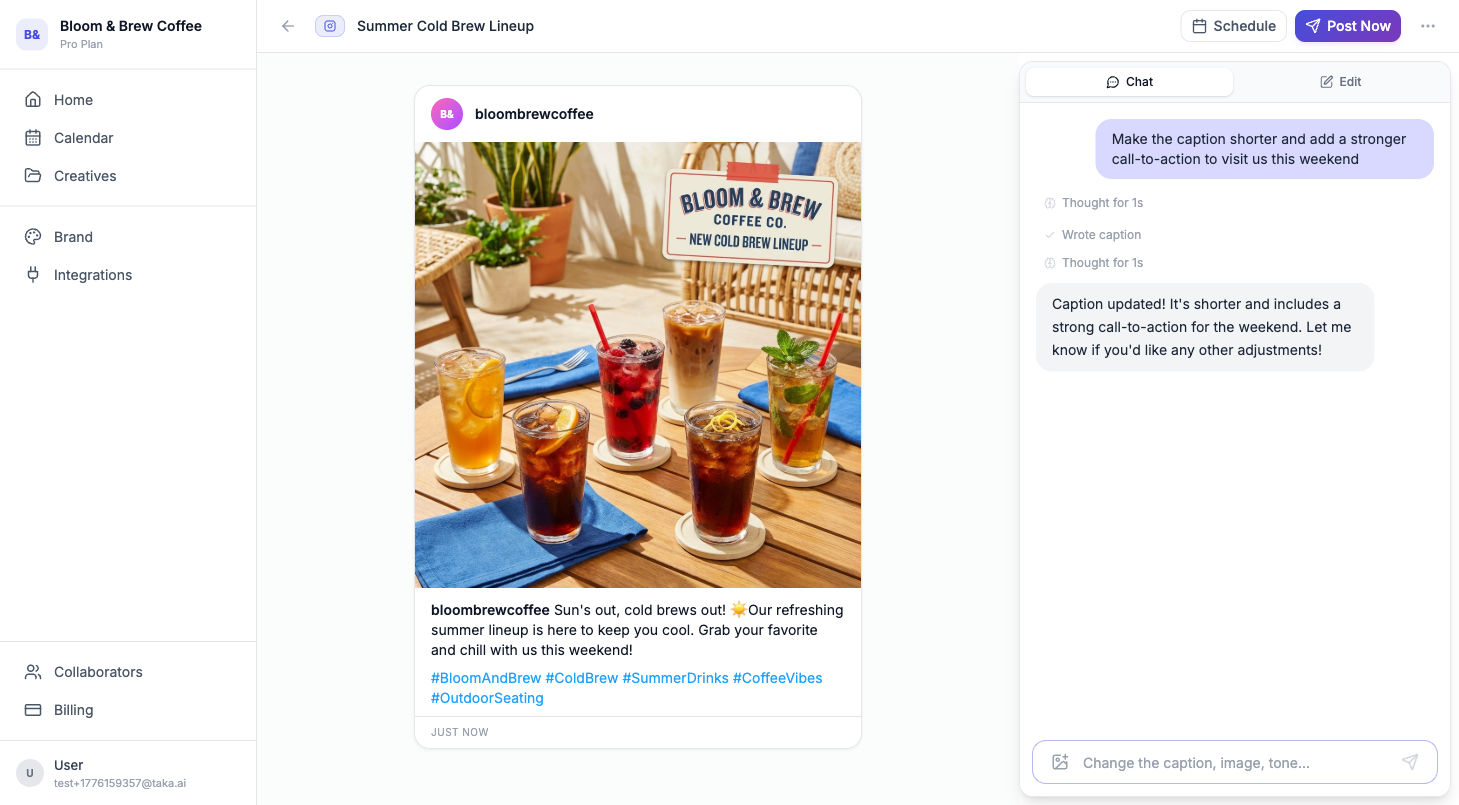
A Winning Instagram Content Strategy for Small Businesses
A simple Instagram strategy framework: goals, content pillars, posting rhythm, and measurement.
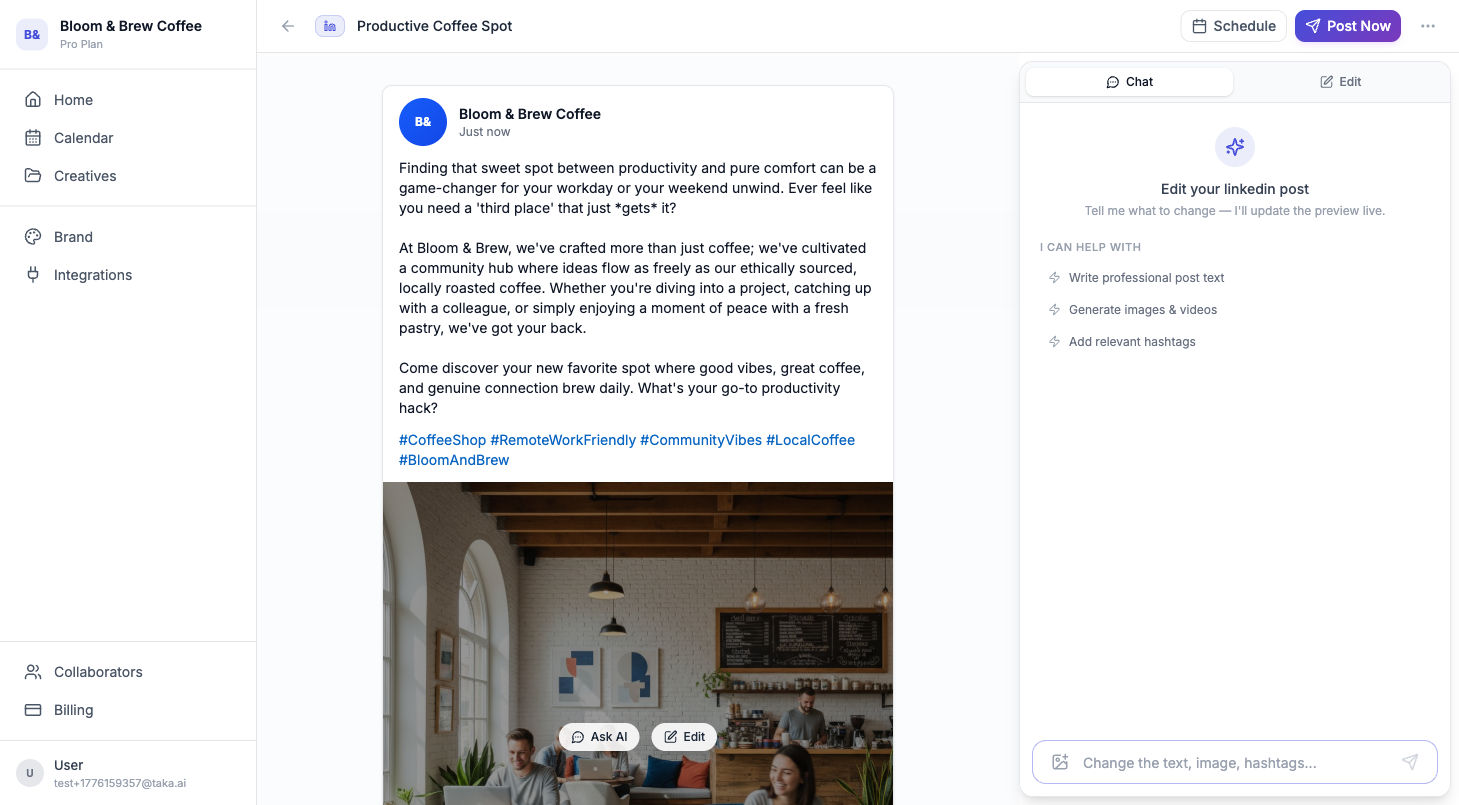
Social Media Management on LinkedIn: What Actually Works
A practical LinkedIn playbook for small businesses: content mix, cadence, voice, and workflow.

What is Taka.ai?
What Taka is, how it works, and what makes it different. With product screenshots.

How to Get Started with Taka: Create Professional Content in Minutes
Set up your brand, create your first Instagram post or email, and start looking professional online. A step-by-step guide to Taka.

Instagram Content for Your Business: From Idea to Post in 60 Seconds
How Taka creates a complete Instagram post - image, caption, hashtags - from a single sentence. A walkthrough with real screenshots.